Product feature
An AI Pinterest Pin generator that keeps you in control
Use a topic, article or other source to prepare editable Pin drafts. Choose whether to use an AI photo, then review every result before it goes out.
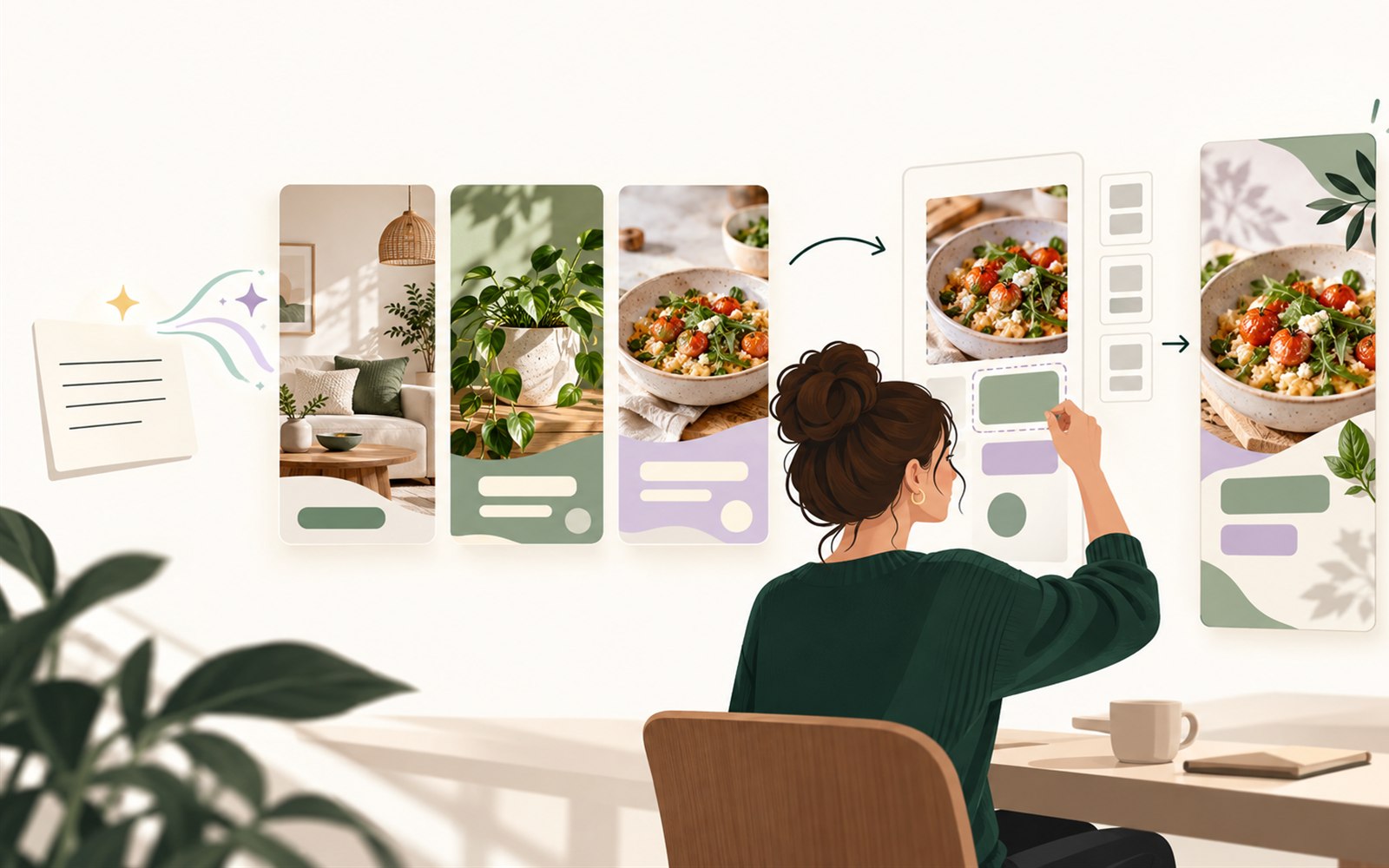
Quick answerWritopin uses AI to prepare Pinterest Pin concepts and copy from a topic or source, and can create an AI photo when you choose that option. Each result is an editable draft. You review its design and publishing details, approve the version you want, and confirm a schedule or direct publish.
What Writopin does
Writopin can draft Pin copy and designs with AI and can create an AI photo when you select that image option and your allowance is available.
What you control
You decide what prompt or source to use, which image option and template to select, what to edit, and whether a draft is approved.
The process
How it works
Describe the topic
Enter a keyword or choose an accessible source.
Choose templates and imagery
Select layouts and decide where images should come from.
Review the drafts
Edit copy, imagery and Pin details in the workspace.
Approve and publish
Confirm the version, board and schedule when you are ready.
What does the AI generate?
The generator can write Pin titles and descriptions from your topic or source and place that copy into selected templates. You can choose source images, your uploaded images, no image, or an AI photo where that option is available.
AI images are a separate plan allowance from design credits. Image generation must be configured for the account, and each generated photo uses that allowance. You can choose another image source if AI photos are unavailable or you do not want one.
- Start with a topic keyword or a content source.
- Select templates and optional image settings.
- Edit the words and layout in the design editor.
- Review, approve and confirm publishing details yourself.
What can you change after generation?
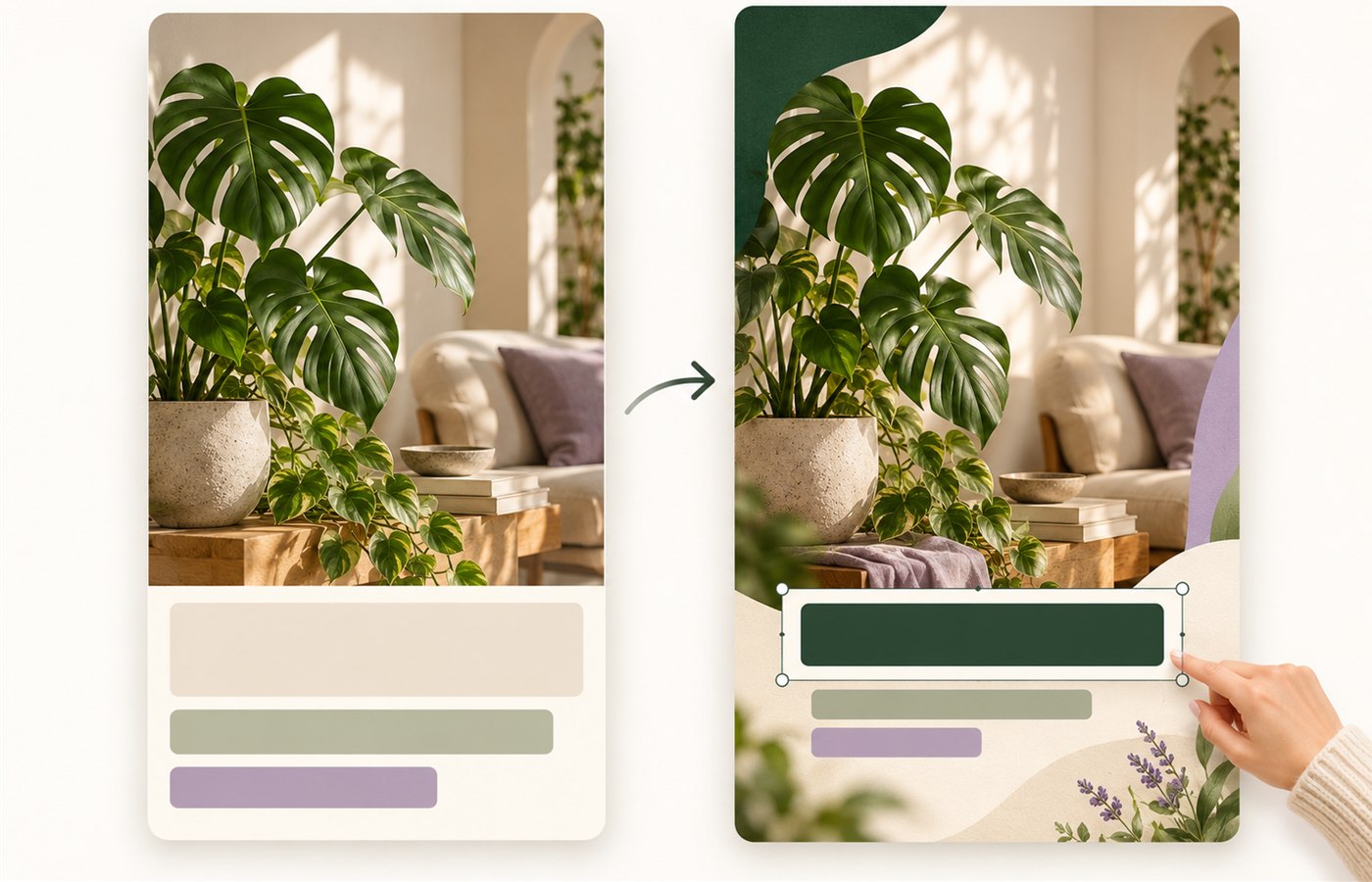
Generated designs remain editable in Writopin. Change text, images, colors, layout and Pin details. You can use a different template or create a new design direction if the first draft does not fit your content.
Read every title and description carefully. Check that an image represents the subject, the destination is correct and the Pin follows Pinterest’s rules. AI output can be incomplete or unsuitable, so it should not be published without review.
How credits and AI photos work
Completed generated designs use design credits. The generator shows the requested design count and remaining allowance before starting. AI photos use a separate monthly image allowance, so creating a design with an uploaded or source image does not use the AI photo allowance.
The visible plan catalog lists the AI photo allowance for each public plan. Free currently has no AI photo allowance; Creator includes 30, and Pro includes 100 per month. The allowances can change with the plan catalog.
Who is the generator for?
The generator is for people who want a starting point for Pinterest creative and are comfortable reviewing what AI produces. It can help prepare copy and template directions, while the editor gives you control over the final design.
You remain responsible for the source content, image rights and claims in the Pin. Writopin does not promise more impressions, saves, clicks or sales because a Pin used AI.
AI output can be wrong or unsuitable. Review every design and follow Pinterest’s current rules. AI does not guarantee traffic or engagement.
Page content last reviewed 2026-10-17.
Built around your review
You choose what goes live
- You approve each Pin before it is scheduled or published.
- You sign in to Pinterest on Pinterest’s own authorization screen.
- Disconnecting removes stored tokens and pauses scheduled Pins.
- Stripe handles payments; card details do not reach Writopin.
Take a closer look at Writopin
Make Pins you are proud of.
Start with the free plan: no card needed. Upgrade when you need more credits or accounts.
Create your free account