
Product feature
Create Pinterest Pin drafts from supported blog posts with BlogToPin
BlogToPin can prepare drafts from your connected blog source. New-post automation stops at drafts, so you review and approve what goes out.

Quick answerBlogToPin connects a supported blog source to Writopin and prepares editable Pinterest Pin drafts from selected or newly found posts. Drafts wait in your workspace. You choose which designs to edit and approve, then confirm the board and schedule or publish the Pins to your own account.
What Writopin does
Writopin reads supported public sources, creates editable drafts from selected posts, and can prepare drafts from new WordPress or RSS posts when an automation is configured.
What you control
You choose sources, posts and templates, review each draft, and decide whether and when to publish it.
The process
How it works
Connect a source
Add a supported blog, feed or sitemap address.
Preview posts
Review the posts Writopin can read and select the ones you want.
Prepare drafts
Choose templates and let Writopin create editable drafts.
Approve what goes out
Edit each draft, approve it and confirm its publishing time.
What does BlogToPin automate?
Writopin can discover posts from WordPress, Blogger, RSS or Atom feeds, and sitemaps. For recurring new-post automation, the product supports WordPress and RSS sources. The source type determines which import and automation actions are available.
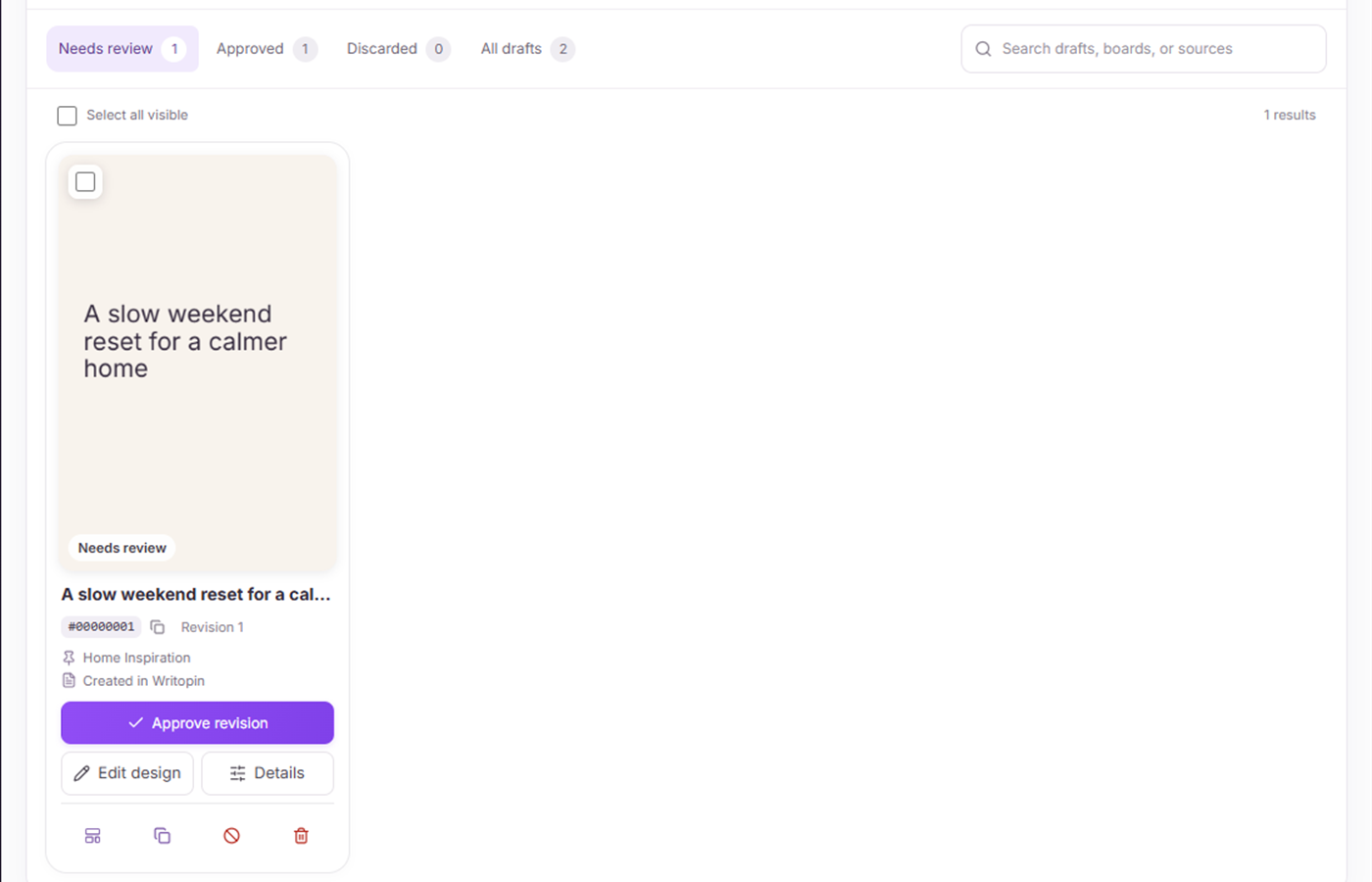
When an automation finds a new post, it can prepare a Pin draft for review. It does not publish the post automatically. You can also preview a source and choose individual posts to prepare as drafts.
- Connect or preview a supported public blog source.
- Choose posts or configure a supported new-post automation.
- Review the drafts that appear in your workspace.
- Approve and schedule the designs you want to publish.
Which blog sources can you connect?
The importer recognizes WordPress sites, Blogger feeds, RSS or Atom feeds, and XML sitemaps. A WordPress site or RSS feed can also be used for recurring automation that checks for new posts. A sitemap can help list pages for import, but it is not a recurring automation type.
A source must be publicly readable. If a feed or site has unusual access rules or does not expose post content, it may not be available for importing. You can review what Writopin found before making drafts.
How many blogs can you manage?
The public plan catalog currently includes one content source on Free and Creator, and five on Pro. The catalog is the source of truth for current site allowances. If your account’s plan changes, the limits shown in Writopin apply.
The number of drafts per post depends on the templates and generation options you select. There is no universal Pins-per-post promise. Review each draft and avoid publishing duplicate or unsuitable creative.
Why do blog drafts stop for approval?
A new article can contain outdated details, images you cannot reuse, or claims that need an editor’s review. Keeping automation at the draft stage gives you a chance to check the wording and destination before anything is published.
Writopin can prepare and organize work for you, but the approval and publishing decisions stay in your hands. You can ignore a post, skip it, or edit its draft before scheduling.
Recurring new-post automation is limited to supported source types and available plan limits. BlogToPin does not publish drafts without approval.
Page content last reviewed 2026-10-17.
Built around your review
You choose what goes live
- You approve each Pin before it is scheduled or published.
- You sign in to Pinterest on Pinterest’s own authorization screen.
- Disconnecting removes stored tokens and pauses scheduled Pins.
- Stripe handles payments; card details do not reach Writopin.
Take a closer look at Writopin
Make Pins you are proud of.
Start with the free plan: no card needed. Upgrade when you need more credits or accounts.
Create your free account